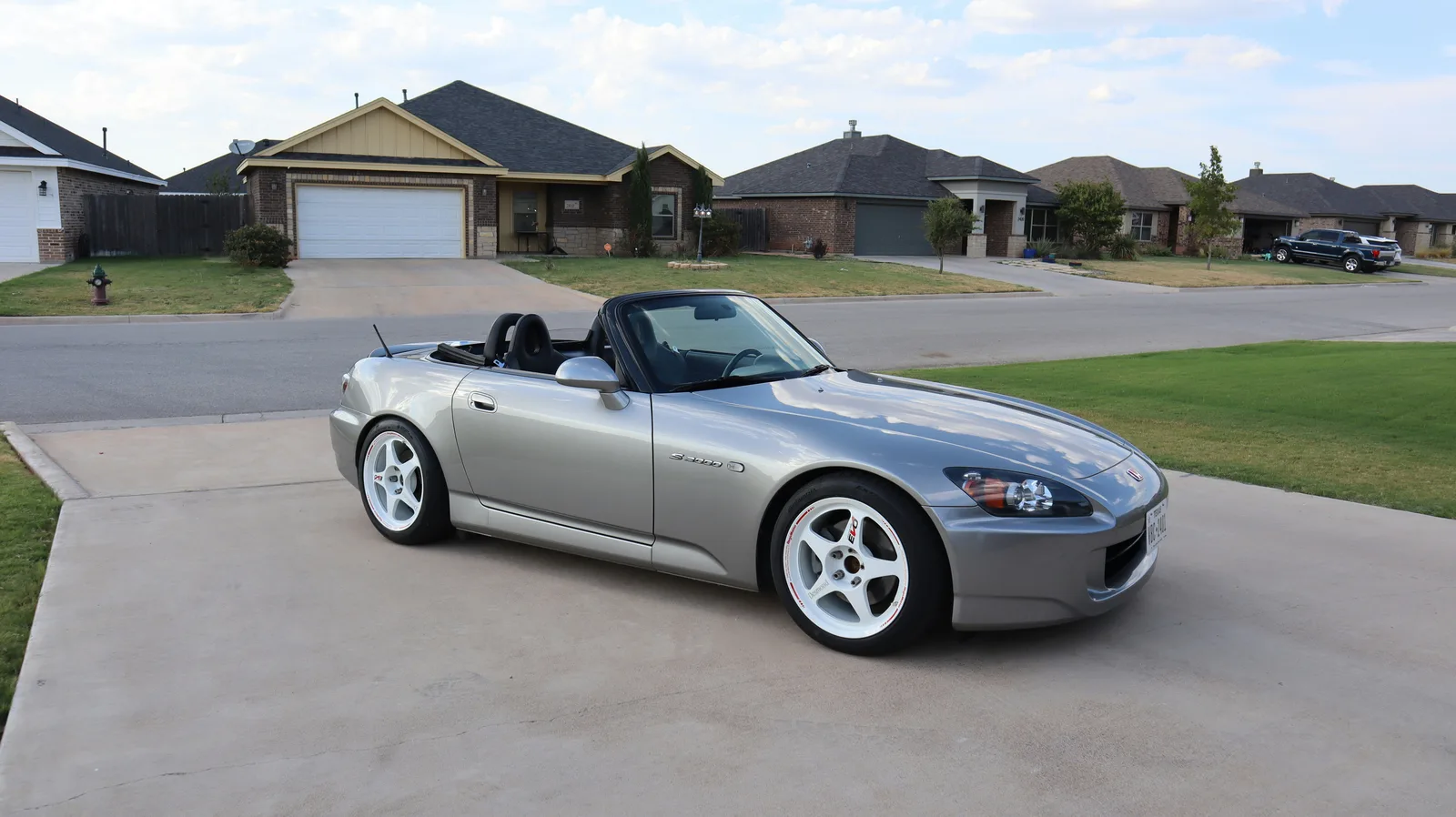
Buyers decide in the first second whether to open your listing, and the first photo makes that decision. Here are the shots that sell and how to get them with a phone.
Ten minutes of prep
Wash the outside and vacuum the inside. Take everything out: the phone mount, the floor-mat clutter, the air freshener, the stuff in the door pockets. Buyers read mess as neglect, and they're often right.
The twelve shots
0 of 12 ready
Phone settings that matter
Hold the phone level and shoot landscape (sideways). Tap the car to focus. Stand back and walk closer rather than zooming, and never use the flash. Wipe the lens; a smudge makes every shot look foggy.
Order and labels
On OnlyCars the first photo is the cover, so drag the front three-quarter shot to the front. Follow with the rear three-quarter, the interior, then the rest. Use the photo labels (Front, Interior, Odometer, Damage...) so buyers can jump to what they want.
Show damage rather than hide it. A clear photo of the scratch with a note in the description gets you a buyer who already accepted it; hiding it gets you a buyer who walks.
 Selling
 Buying
 Buying